Yo!Coach V5.0 Released: Introducing a Smarter Era of AI-Powered Online Teaching and Learning


Published Date: 18th November, 2026
The online education industry continues to evolve, with learners expecting more personalized learning experiences and educators looking for smarter ways to manage their teaching activities. For businesses operating online tutoring, coaching, consultation, and eLearning platforms, meeting these expectations requires technology that goes beyond basic virtual classrooms and course management.
To support these evolving requirements, FATbit Technologies has released Yo!Coach V5.0, introducing a new set of AI-powered capabilities, real-time communication features, platform enhancements, and security improvements.
This latest version brings 26 updates across four major categories: 5 AI features, 4 new features, 8 enhancements, and 9 security improvements.
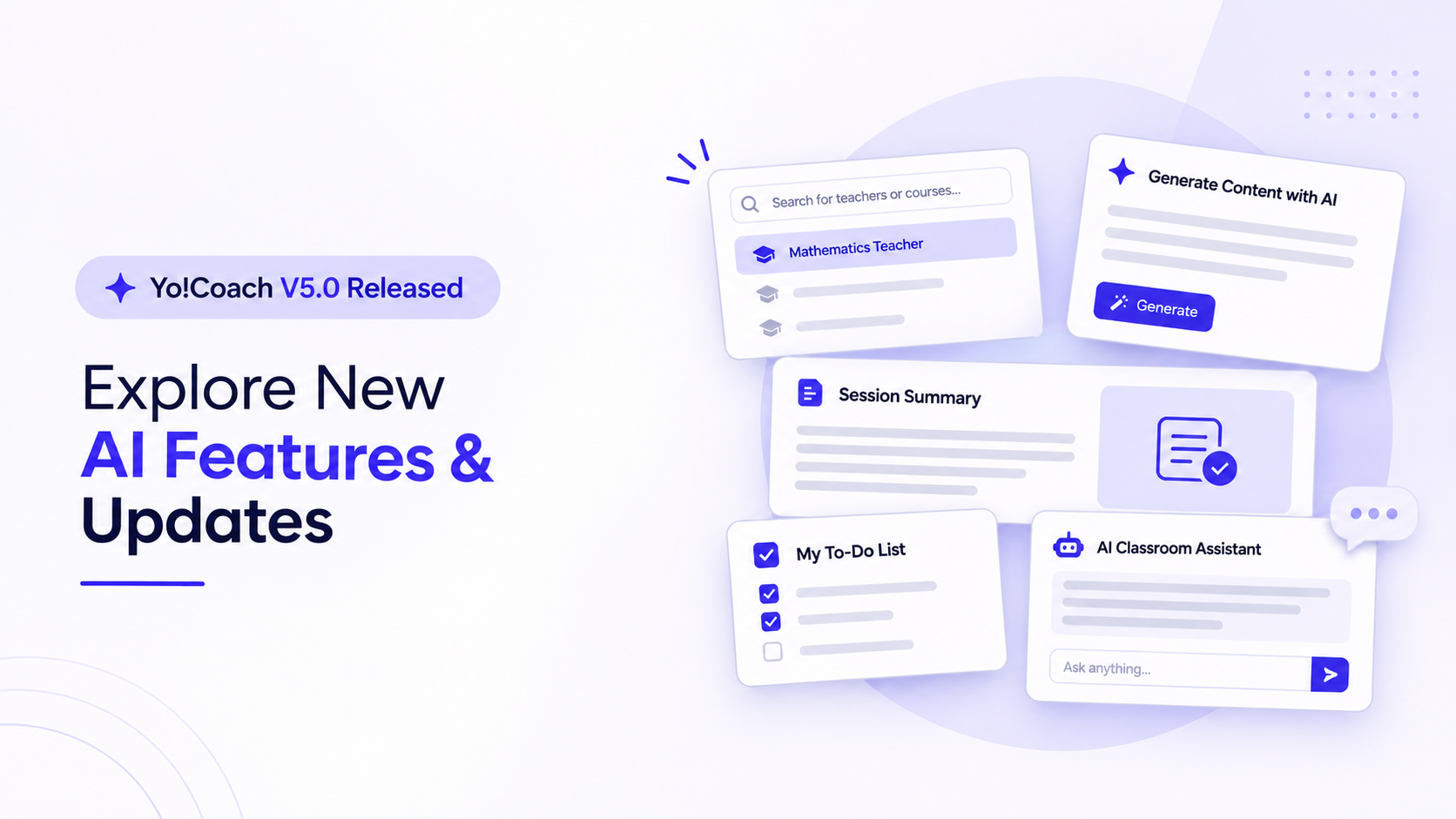
From intent-based search and AI content generation to automated session summaries, learner to-do lists, and an AI Classroom Assistant, Yo!Coach V5.0 introduces intelligent capabilities across different stages of the learning journey.
The release also improves communication through instant notifications, real-time messaging, and WhatsApp alerts while strengthening the platform’s technical foundation with updated integrations, PHP 8.5 compatibility, and enhanced security measures.
Let’s explore what’s new in Yo!Coach V5.0 and how these improvements contribute to a smarter online teaching and learning experience.
Table of Contents
- What’s New in Yo!Coach V5.0?
- Five AI-Powered Features to Improve the Learning Experience
- Four New Features for Better Communication and Engagement
- Eight Enhancements to Improve Platform Usability and Performance
- Nine Security Enhancements for a More Secure Platform
- Platform Upgrade: PHP 8.3 to PHP 8.5
- How Do Yo!Coach V5.0 Features Benefit Online Education Businesses?
- Why Consider Yo!Coach for Your Online Teaching Business?
- Explore the New Capabilities of Yo!Coach V5.0
- Frequently Asked Questions
What’s New in Yo!Coach V5.0?
Yo!Coach V5.0 introduces 26 updates designed to improve platform intelligence, communication, usability, and security.
Here’s a quick overview of the major updates:
| Category | Updates | Key Highlights |
| AI Features | 5 | AI search, content generation, session summaries, AI to-do lists, Classroom Assistant |
| New Features | 4 | Instant notifications, real-time messaging, WhatsApp notifications, recording playback |
| Enhancements | 8 | WebP, SVG, theme and font controls, post-session workspace, integration updates |
| Security | 9 | Form tokens, password encryption, cookie security, API key masking, session protection |
The following sections explain these capabilities and their role in improving online teaching and learning operations.
Explore Yo!Coach V5.0 and Its Latest Features
1. Five AI-Powered Features to Improve the Learning Experience
Artificial intelligence is becoming an important part of modern education technology. However, its value goes beyond generating content or answering questions. When integrated into different learning activities, AI can help learners discover relevant educational resources, assist teachers with routine tasks, and support continuous learning.
Yo!Coach V5.0 introduces five AI-powered features that cover different stages of the learning journey.
1.1 AI-Based Search: Find Teachers, Classes, and Courses Through Intent-Based Queries
Traditional search functionality often requires users to enter specific keywords to find relevant teachers, courses, or classes. However, learners may not always know the exact terms to use when searching for educational services.
Yo!Coach V5.0 introduces AI-based search that understands the intent behind a user’s query and delivers contextually relevant results.
Instead of relying exclusively on exact keyword matches, learners can enter natural-language queries to find suitable learning opportunities.
For example, a learner can search:
“English teachers with five years of experience.”
The AI search functionality interprets the query and identifies relevant requirements, such as subject and teaching experience, to retrieve matching teachers.
Key capabilities include:
- Intent Understanding: Matches the meaning of a query even when the words used differ.
- Natural-Language Queries: Allows learners to search using conversational phrases.
- Context-Aware Results: Considers relevant information such as subject, topic, skill level, and learning goals.
- Unified Search: Supports searching for teachers, group classes, packages, and courses in a single search experience.
This feature makes discovering relevant educational services more intuitive and reduces the effort required to find suitable teachers or learning programs.
1.2 AI Content Generation: Create Educational Content in One Click
Creating professional teacher biographies and compelling descriptions for classes and courses can take considerable time, particularly for platforms with multiple educators and educational offerings.
Yo!Coach V5.0 introduces AI content generation to simplify this process.
Teachers can generate content for four different areas:
- Teacher biographies
- Group class descriptions
- Course descriptions
- Lecture descriptions
The functionality also includes a prompt box where teachers can provide additional instructions or context to guide content generation.
For example, a teacher can ask AI to highlight their IELTS preparation experience, emphasize beginner-level teaching, or maintain a particular communication tone.
Additional capabilities include:
- One-click content generation.
- Custom instructions to guide AI-generated content.
- Options to review and edit generated content.
- Ability to regenerate content before saving.
- Usage controls managed through the admin panel.
This feature helps educators prepare their profiles and educational content more efficiently while maintaining control over the final output.
1.3 AI Session Summaries: Automatically Capture Important Learning Points
A productive learning session often covers multiple concepts, questions, and activities. However, learners may not remember every important point discussed during a lesson.
With AI Session Summaries, Yo!Coach V5.0 helps teachers and learners revisit important session information without manually preparing lengthy notes.
The feature generates summaries from meeting tool transcripts and organizes the information into useful sections.
The generated summaries cover:
- Key points discussed during the session.
- Important concepts.
- Questions raised during the lesson.
- Action items requiring further attention.
The functionality works with supported meeting tools, including LessonSpace, Pencil Spaces, Zoom, and Jitsi.
Yo!Coach also introduces an automated retry mechanism. If summary generation encounters an issue, the system retries for up to 24 hours before requiring a manual trigger.
By making session information easier to revisit, this feature supports better learning continuity and helps educators manage post-session activities.
1.4 AI To-Do Lists: Convert Learning Discussions into Actionable Tasks
Learning does not end when an online class or tutoring session finishes. Learners often need to revise concepts, complete assignments, practice skills, or explore topics discussed during the session.
Yo!Coach V5.0 introduces AI To-Do Lists to help convert session discussions into actionable follow-up tasks.
Based on the session transcript, AI drafts relevant tasks covering topics, concepts, questions, and actions discussed during the lesson.
Teachers can then:
- Review AI-generated tasks.
- Add new tasks.
- Edit or remove suggested tasks.
- Save tasks as drafts.
- Publish the finalized list for learners.
Once published, learners can access their personalized task lists and mark individual activities as completed.
Teachers can also monitor learner progress through the Post-Session Workspace.
This functionality creates a more structured approach to post-session learning and encourages learners to actively work on the concepts covered during their lessons.
1.5 AI Classroom Assistant: Provide Learners with Contextual Learning Support
Learners frequently have questions after attending classes or reviewing educational materials. Finding answers may require revisiting entire lessons, searching through course resources, or contacting teachers.
The AI Classroom Assistant in Yo!Coach V5.0 provides an interactive way for learners to explore their study materials and get relevant answers.
Learners can select a lesson, class, or course and interact with the AI assistant through a continuous conversation.
Key capabilities include:
- Summarizing selected learning materials.
- Identifying important takeaways.
- Creating study plans.
- Answering queries related to selected study material.
- Providing answers with citations pointing to the source content.
- Supporting follow-up questions within the same conversation.
The assistant also operates with admin-configured usage limits.
By providing contextual assistance based on selected educational materials, the AI Classroom Assistant helps learners engage with their study resources more effectively.
AI Features with Centralized Admin Controls
Alongside the five AI capabilities, Yo!Coach V5.0 introduces centralized AI management through the AI Tools module.
Administrators can configure AI functionality according to their platform requirements.
The available controls include:
- Enabling or disabling individual AI features.
- Configuring AI provider credentials.
- Choosing OpenAI or DeepSeek as the AI provider.
- Selecting Admin API keys, Teacher API keys, or both.
- Setting AI request limits and user quotas.
- Monitoring AI request usage.
This provides administrators with greater control over AI availability, API credentials, and usage across the platform.
Want to Simplify AI Management Across Your Platform?
2. Four New Features for Better Communication and Engagement
Timely communication is essential for online teaching platforms. Learners need updates about bookings, classes, and payments, while teachers need a convenient way to communicate with their students.
Yo!Coach V5.0 introduces four new features to improve communication and keep platform users informed.
2.1 Instant Notifications: Keep Users Updated in Real Time
Users may not always keep the platform open while waiting for important updates. Missing a booking notification, learner message, or session-related update can affect their experience.
Yo!Coach V5.0 introduces instant pop-up notifications powered by Firebase Cloud Messaging.
These notifications can appear even when the website is running in a background browser tab.
Key benefits include:
- Instant pop-up alerts.
- Notifications while the website runs in the background.
- Platform-wide notification support.
- Admin-configured integration through the Third-Party APIs section.
This functionality helps teachers and learners stay informed about important platform activities.
2.2 Real-Time Messaging: Communicate Without Page Refreshes
Smooth communication between teachers and learners is an important part of online education.
With the new Real-Time Messaging feature, users can receive new chat messages without manually refreshing the page.
Powered by WebSockets, the functionality delivers messages directly within the chat interface.
This improves the communication experience by supporting instant message delivery and more seamless conversations.
2.3 WhatsApp Notifications: Deliver Important Updates Through WhatsApp
Email and on-platform notifications are useful, but users may not always check them immediately.
To provide another communication channel, Yo!Coach V5.0 introduces WhatsApp notifications powered by Twilio.
Users provide their WhatsApp number during registration, which is verified through an OTP before being linked to their account.
Once configured, the platform can send WhatsApp alerts for supported activities, including:
- Booking confirmations.
- Session reminders.
- Booking cancellations.
- Payment notifications.
- Other supported platform activities.
This gives platform owners an additional way to communicate important transactional updates to teachers and learners.
2.4 Pencil Spaces Recording Playback: Let Learners Revisit Recorded Sessions
Learners may sometimes need to revisit a lesson to understand a particular concept or revise information discussed during a session.
Yo!Coach V5.0 introduces recording playback support for Pencil Spaces virtual classrooms.
Administrators can enable or disable recording playback directly from the admin panel.
When enabled, users can replay recorded Pencil Spaces sessions, providing an additional way to revisit previously covered learning material.
Strengthen Your Online Teaching Platform with Better Communication Tools
3. Eight Enhancements to Improve Platform Usability and Performance
In addition to introducing new capabilities, Yo!Coach V5.0 includes several improvements to the existing platform.
These enhancements focus on image optimization, branding flexibility, accessibility, post-session activities, and third-party integrations.
3.1 WebP Image Support for Better Website Performance
Image size can influence website loading times and overall browsing experience.
Yo!Coach V5.0 introduces WebP image support, allowing smaller image files to be uploaded and displayed across the platform.
WebP offers better image compression, helping reduce file sizes while supporting faster-loading pages.
This enhancement contributes to a smoother browsing experience for platform users.
3.2 SVG Logo Support for Scalable Branding
Consistent branding is important for businesses operating their own online tutoring or coaching platforms.
With Yo!Coach V5.0, administrators can upload and manage SVG logos within the platform.
Unlike conventional raster images, SVG graphics are scalable and maintain their visual clarity across different screen sizes and resolutions.
This allows platform owners to maintain sharp and consistent branding across website elements, including headers and favicons.
3.3 Theme and Font Control with WCAG Accessibility Scoring
Businesses need the flexibility to customize their platforms according to their brand identity.
Yo!Coach V5.0 enhances theme management by providing administrators with controls for configuring website themes, colours, and fonts.
The enhancement also introduces a WCAG accessibility score based on factors such as colour contrast and font readability.
Administrators can access recommendations to identify areas that may improve the platform’s accessibility score and user experience.
This makes website customization more structured while providing useful accessibility-related feedback.
3.4 Post-Session Workspace: Manage Learning Activities from One Place
Post-session activities are an important part of the learning process. Teachers need to review lesson outcomes, prepare upcoming sessions, and track learner progress.
Yo!Coach V5.0 introduces the Post-Session Workspace, bringing essential session-related information together in one place.
After every lesson, teachers and learners can access a workspace containing:
- Session Summary: Important points, concepts, and action items discussed during the lesson.
- Session Stats: Relevant lesson statistics at a glance.
- Lesson Plan: A plan for upcoming learning sessions.
- Quizzes: Quizzes based on the lesson.
- Learner To-Dos: Follow-up activities assigned to learners.
By consolidating these activities into a single workspace, Yo!Coach makes it easier for teachers and learners to review session outcomes and prepare for the next stage of learning.
3.5 Google Maps API Update
Yo!Coach V5.0 updates its Google Maps integration to use the new Google Places API.
The updated implementation supports location search and suggestions, helping maintain the platform’s location-related functionality.
3.6 Stripe SDK Upgrade
The Stripe integration has been upgraded to the latest Stripe SDK.
This update brings the payment integration in line with the newer SDK and supports the continued maintenance of payment functionality.
3.7 PayPal SDK Update
The PayPal integration has also been aligned with the new PayPal SDK.
This enhancement updates the existing payment integration as part of the broader platform improvements introduced in V5.0.
3.8 Mailchimp Compatibility Update
Yo!Coach V5.0 updates the Mailchimp integration for PHP 8.3 compatibility, supporting the platform’s integration maintenance and compatibility requirements.
4. Nine Security Enhancements for a More Secure Platform
Security is a critical consideration for online education businesses that manage user accounts, personal information, session activities, and payment-related data.
Yo!Coach V5.0 introduces nine security enhancements covering form protection, password encryption, authentication, session management, cookies, and credential handling.
Here’s an overview of the updates:
| Security Enhancement | What It Does |
| Form Security Tokens | Adds security tokens to every form. |
| Password Encryption | Introduces stronger password encryption with automatic re-hashing. |
| Cookie Security | Implements SameSite cookie settings across all setups. |
| Credentials in .env | Moves credentials out of configuration files. |
| HSTS Header | Updates the HTTP Strict Transport Security configuration. |
| SQL Injection Fix | Secures database queries against SQL injection vulnerabilities. |
| API Key Masking | Masks admin panel API keys by default, displaying only their first and last characters. |
| Auth Token Generation | Generates authentication tokens using bin2hex(). |
| Session Fixation Protection | Regenerates session IDs at login. |
Together, these improvements strengthen different aspects of the platform’s security architecture and credential management.
Planning to Launch a Secure Online Tutoring or Coaching Platform?
5. Platform Upgrade: PHP 8.3 to PHP 8.5
Another important technical improvement in Yo!Coach V5.0 is the platform upgrade from PHP 8.3 to PHP 8.5.
The updated platform uses the newer PHP version, providing a modern technical foundation and access to the latest language improvements.
The upgrade also involves updating platform code and integrations to maintain compatibility with the newer environment.
This improvement supports the ongoing technical maintenance and evolution of Yo!Coach.
How Do Yo!Coach V5.0 Features Benefit Online Education Businesses?
The latest release introduces improvements that address different operational requirements of online tutoring, coaching, consultation, and eLearning businesses.
Rather than focusing on individual features alone, businesses can benefit from how these capabilities work together.
Here’s how the new capabilities contribute to different business objectives:
| Business Objective | Relevant Yo!Coach V5.0 Features | Potential Benefit |
| Improve learner discovery | AI-Based Search | Helps learners find relevant teachers, classes, and courses using natural-language queries. |
| Simplify content creation | AI Content Generation | Reduces manual effort involved in preparing teacher bios and educational descriptions. |
| Improve learning continuity | AI Session Summaries and To-Do Lists | Makes session outcomes and follow-up activities easier to manage. |
| Support independent learning | AI Classroom Assistant | Provides contextual assistance based on selected learning materials. |
| Improve communication | Instant Notifications, Real-Time Messaging, WhatsApp Notifications | Keeps teachers and learners informed about important activities. |
| Support lesson revision | Pencil Spaces Recording Playback | Allows learners to revisit recorded sessions. |
| Improve user experience | WebP, SVG, Theme and Font Controls | Supports optimized images, consistent branding, and accessibility-related improvements. |
| Strengthen platform security | Nine Security Enhancements | Improves security across forms, passwords, sessions, cookies, and credentials. |
For businesses planning to launch an online education platform, these updates provide additional capabilities to support both learning activities and platform administration.
Why Consider Yo!Coach for Your Online Teaching Business?
Launching an online education business requires more than providing a virtual classroom. Businesses need a platform that can support teacher management, learner registration, course delivery, bookings, payments, communication, and ongoing learning activities.
Yo!Coach is a white-label software solution developed by FATbit Technologies for businesses planning to establish their own online tutoring, coaching, consultation, mentoring, and eLearning platforms.
With Yo!Coach V5.0, businesses can access an updated set of capabilities that combine established online teaching functionality with AI-powered tools and improved platform management features.
The latest release further strengthens the solution through:
- AI-powered capabilities across different stages of the learning journey.
- Improved communication through real-time messaging and notifications.
- Additional learning support through AI summaries, to-do lists, and the Classroom Assistant.
- Customizable themes, fonts, and branding.
- Updated payment, email, and location-related integrations.
- Additional security improvements and a PHP 8.5 platform upgrade.
Whether you are planning to launch an online tutoring marketplace, a coaching platform, a consultation portal, or a specialized eLearning business, Yo!Coach provides a technology foundation to establish and manage your online education venture.
Explore the New Capabilities of Yo!Coach V5.0
The release of Yo!Coach V5.0 represents another step in the evolution of online teaching and learning technology.
With AI-powered discovery, automated content generation, intelligent learning assistance, session summaries, and learner task management, the latest version introduces capabilities that extend across the entire learning journey.
Combined with real-time communication, improved integrations, enhanced customization, and nine security updates, Yo!Coach V5.0 provides businesses with an updated software solution for establishing and managing online education platforms.
Get a Closer Look at Yo!Coach V5.0
Frequently Asked Questions About Yo!Coach V5.0
1. What is new in Yo!Coach V5.0?
Yo!Coach V5.0 introduces 26 updates, including five AI features, four new features, eight platform enhancements, and nine security improvements. Major additions include AI-based search, AI content generation, session summaries, AI to-do lists, an AI Classroom Assistant, real-time messaging, instant notifications, and WhatsApp notifications.
2. What are the AI features available in Yo!Coach V5.0?
Yo!Coach V5.0 includes five AI-powered features:
- AI-Based Search for finding relevant teachers, classes, and courses.
- AI Content Generation for creating teacher biographies and group class, course, and lecture descriptions.
- AI Session Summaries for capturing important lesson information.
- AI To-Do Lists for generating learner follow-up tasks.
- AI Classroom Assistant for answering learner queries using selected study materials and providing cited answers.
3. Which AI providers are supported in Yo!Coach V5.0?
Yo!Coach V5.0 supports OpenAI and DeepSeek as AI providers. Administrators can configure the provider credentials, manage individual AI features, choose API key modes, and set request limits through the AI Tools module.
4. Does Yo!Coach V5.0 support real-time messaging?
Yes. Yo!Coach V5.0 introduces real-time messaging powered by WebSockets. New chat messages appear instantly without requiring users to refresh the page.
5. Does Yo!Coach V5.0 support WhatsApp notifications?
Yes. Yo!Coach V5.0 supports WhatsApp notifications through Twilio. After users provide their WhatsApp numbers during registration and complete OTP verification, the platform can send alerts for supported activities such as bookings, reminders, cancellations, and payments.
6. Can learners access AI-generated session summaries?
Yes. Yo!Coach V5.0 introduces AI Session Summaries that capture key points, concepts, questions, and action items from meeting tool transcripts. These summaries are accessible through the post-session experience for teachers and learners.
7. What is the Post-Session Workspace in Yo!Coach V5.0?
The Post-Session Workspace is a centralized area that brings together session summaries, session statistics, lesson plans, quizzes, and learner to-do lists. It helps teachers and learners review lesson outcomes and manage subsequent learning activities.
8. Does Yo!Coach V5.0 support recorded lesson playback?
Yes. Yo!Coach V5.0 introduces recording playback support for Pencil Spaces sessions. Administrators can enable or disable the functionality through the admin panel.
9. What security improvements are included in Yo!Coach V5.0?
Yo!Coach V5.0 introduces nine security improvements, including form security tokens, stronger password encryption, SameSite cookie settings, credentials stored in .env files, HSTS configuration updates, SQL injection fixes, API key masking, secure authentication token generation, and session ID regeneration at login.
10. Which PHP version does Yo!Coach V5.0 use?
Yo!Coach V5.0 runs on PHP 8.5, upgraded from PHP 8.3. The upgrade provides a modern technical foundation and includes updates to platform code and integrations.
Want to Bring AI-Powered Learning Experiences to Your Learning Platform?
Get in Touch